Print buying guide · Johannesburg & Gauteng
Refurbished Vs New Photocopiers: Which Suits Your Business?
A new photocopier is not the only option when your office needs reliable equipment. A suitable refurbished or demo machine may also be worth considering, particularly if you are working to a specific budget.

On This Page
The useful comparison is between the actual machines and the support offered with them. Condition, configuration and suitability matter alongside the price.
RAC Technologies supplies Toshiba printers and photocopiers to businesses across Johannesburg and Gauteng, with new equipment and selected demo or pre-owned machines available.
Understand What Is Being Offered
“Demo”, “pre-owned” and “refurbished” describe different things and should not be treated as interchangeable guarantees.
- Demo: a machine described as having been used for demonstration. Confirm its actual use and condition.
- Pre-owned: equipment that has previously been owned or used.
- Refurbished: used equipment that has undergone refurbishment. Ask what work was carried out on that specific unit.
The description alone does not tell you the meter reading, included accessories or service history. Those are useful questions to ask before deciding.
When A Refurbished Machine May Make Sense
A refurbished photocopier may be suitable when it provides the capacity and functions your office needs at a price that works for your business.
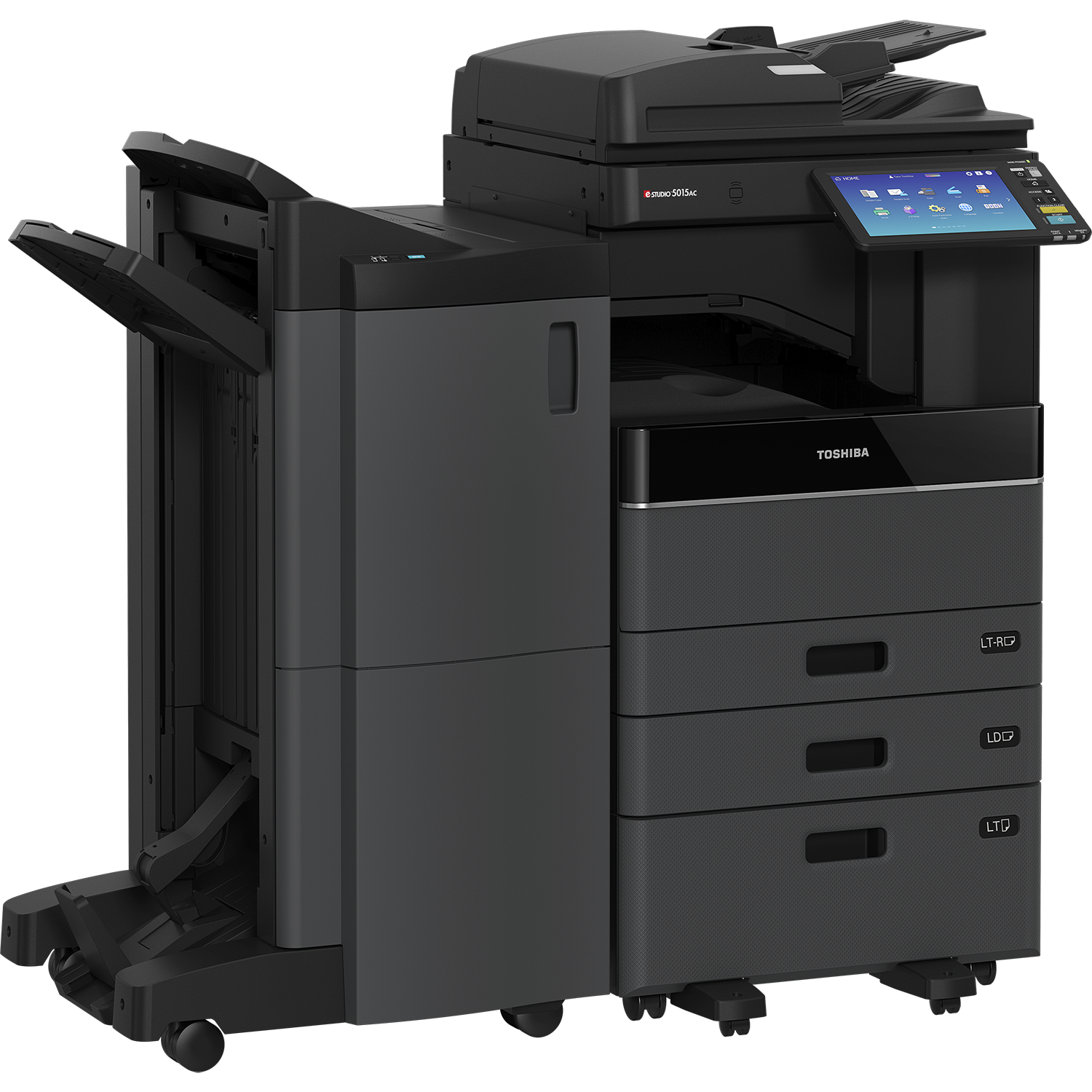
For example, a team that regularly needs A3 documents, copying and scanning may prefer a suitable floor-standing machine over a smaller device that does not handle the workload comfortably. The final choice should still be based on the particular unit, its condition and the available support.
We also offer month-to-month rentals on selected refurbished machines. Availability and the terms need to be confirmed; not every pre-owned machine is available on every payment option.

Built around your office
Condition and support matter.
A lower purchase price is only part of the decision. Ask about the machine’s condition, its suitability for your workload and the support available.
When New Equipment May Be The Better Fit
New equipment may be preferable where the exact model, configuration or features you need are not available in the refurbished range.
If you are standardising several machines across the business, or have particular document-handling requirements, tell us at the start. That helps us compare suitable equipment rather than steering the decision on price alone.
Compare the warranty and support offered with each option. Do not assume that all new machines have identical coverage, or that all refurbished machines carry the same limitations.
What To Check On A Refurbished Photocopier
| Check | Question to ask |
|---|---|
| Exact model | What is the full model number and specification? |
| Meter reading | What usage does the meter show, and when was it recorded? |
| Condition | What checks, servicing or refurbishment work were completed? |
| Configuration | Which drawers, stand, feeder and finishing accessories are included? |
| Compatibility | Will the machine work with the office’s computers, network and scanning requirements? |
| Support | What warranty, service plan and parts support are offered for this unit? |
| Price | What is included, and which delivery, setup or service charges are separate? |
- Exact model
- What is the full model number and specification?
- Meter reading
- What usage does the meter show, and when was it recorded?
- Condition
- What checks, servicing or refurbishment work were completed?
- Configuration
- Which drawers, stand, feeder and finishing accessories are included?
- Compatibility
- Will the machine work with the office’s computers, network and scanning requirements?
- Support
- What warranty, service plan and parts support are offered for this unit?
- Price
- What is included, and which delivery, setup or service charges are separate?
Meter readings are useful, but they should be considered alongside condition, maintenance history and the demands of your office. A single number does not establish the overall quality of a machine.
Look Beyond The Purchase Or Rental Figure
Compare the running and service costs as well as the equipment price. Ask how toner, maintenance, call-outs and printing charges are handled under each proposal.
If two machines meet your requirements, comparing them at the same expected monthly print volume gives you a clearer picture of what each would cost to use.
We can discuss service plans for machines we supply as part of the recommendation.
Tell Us What Your Office Needs
Start with your print volume, number of users, A3 or A4 needs and whether colour is essential. We’ll help you compare the suitable options in your budget, including the equipment and support available.
Browse our demo and pre-owned photocopiers, or contact us for a tailored proposal.
Free Print-Cost Audit
Could You Be Getting More From Your Print Budget?
Let’s review your current agreement and see where there may be room to improve. We’ll consider your existing costs, equipment and workload before recommending a change.
Review your current setup
We look at your equipment, rental and service charges, and the documents your team prints.
Identify where value can improve
We assess whether a different machine, configuration or agreement would better suit your office.
Compare a clear proposal
You receive the equipment recommendation, costs and agreed service cover before deciding.
Potential savings depend on your current costs, print requirements and proposed agreement.